On the processor (CP4-R / MC4-R), open Crestron Home Setup → Drivers → Import and select Valethon.Sensibo.Driver.pkg.
Add the driver to a room and open its configuration.
Configure credentials (choose one cloud path):
BYO Sensibo:Sensibo API Key from home.sensibo.com/me/api
MSP / ServiceOS:ServiceOS URL + API Token + Company Number (Connect on the LAN)
Always set License Key (vcd_…) and Platform URL (https://platform.valethon.com).
Save — pods appear under Thermostats / Air Purifiers / Sensors.
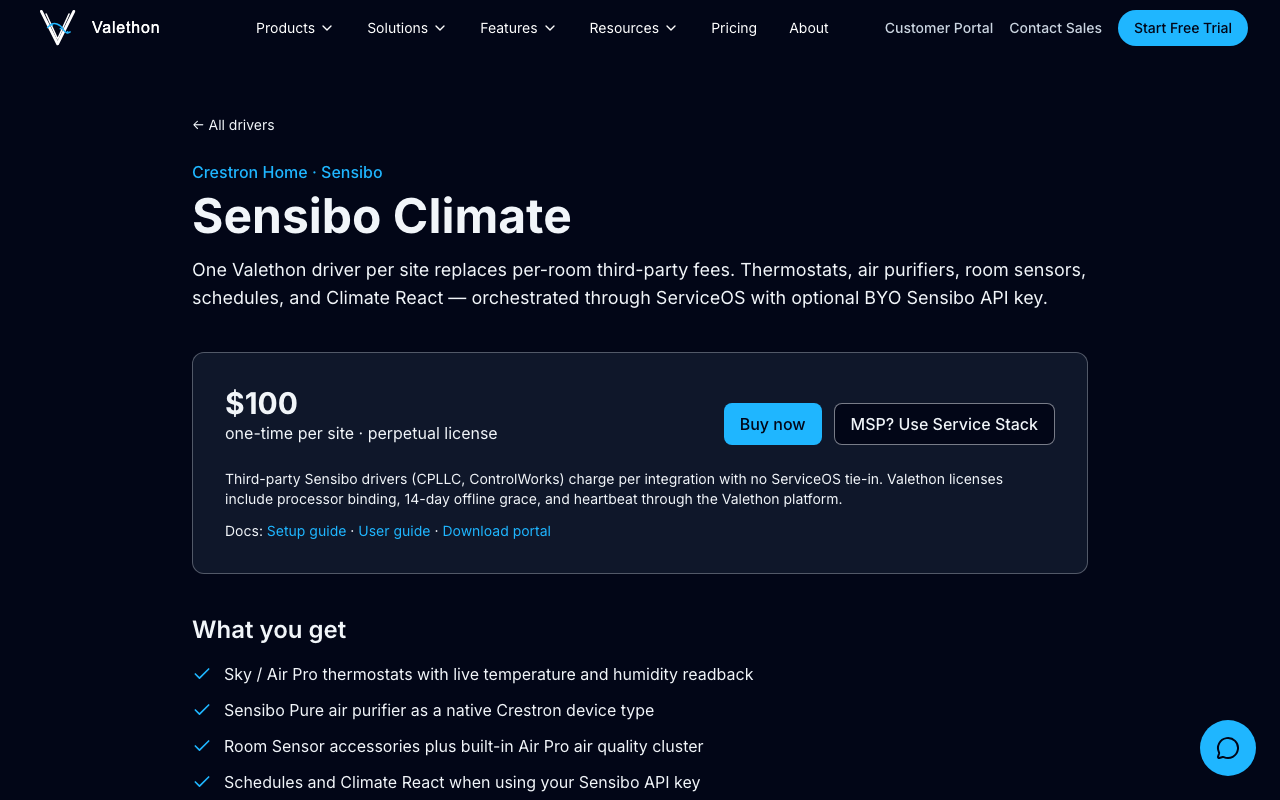
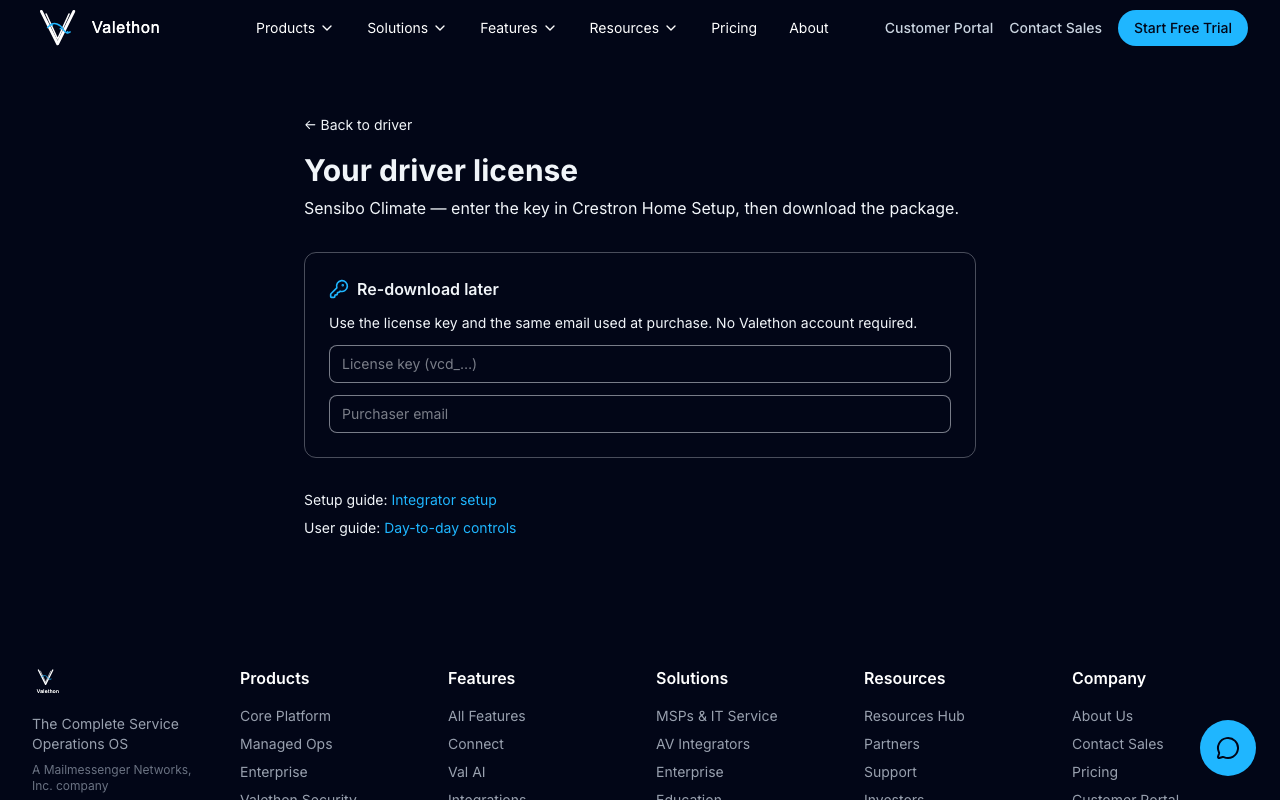
Crestron Home Setup UI screenshots (Import Drivers dialog, driver property sheet) are captured on CP4-R during hardware lab sessions and will be added here when available. Valethon storefront steps above are live screenshots.
Verify
Confirm at least one thermostat or Pure appears in Crestron Home.
Change mode or setpoint from Home and confirm the Sensibo app reflects the change.
If devices disappear after ~14 days offline, restore WAN so the driver can heartbeat to platform.valethon.com.
Compatibility
Processors: CP4-R / MC4-R
Crestron Home OS: 3.x / 4.x
Devices: Sensibo Sky, Air, Air Pro, Room Sensor, Pure
Support
Operator runbook and integrator architecture overview in the Valethon documentation repository